

Propbinder in Outlook, free for all customers 🚀
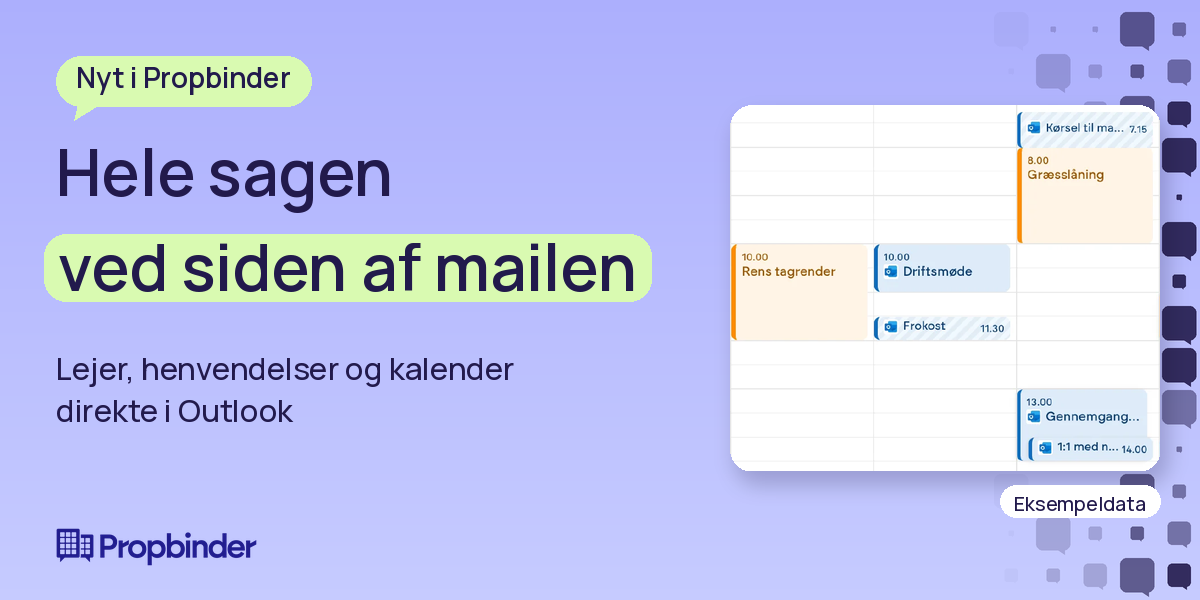
No more juggling two calendars. Now Propbinder and your Outlook calendars are synced!
📬Get the overview right next to your email
See tenants, leases, and properties alongside open inquiries, status, assigned personnel, and suppliers. Property notices are also displayed, giving you the full context while you handle your emails.
✨From email to inquiry with AI
Create inquiries directly in Outlook. AI suggests a brief summary, category, priority, and assignee, and identifies potential matches with existing open inquiries. You review the suggestion and create it. The email and any attachments are included.
🔗Consolidate emails into existing cases
If an email concerns an existing inquiry, you can attach it with a single click. The email and attachments are saved to the inquiry without sending anything to the tenant. The add-in also works in shared mailboxes.
👀Schedule where there is time
Outlook appointments are displayed in the Propbinder calendar, the planning view, and the Operations app. You can see when employees are busy, and the operations team has all of the day's meetings and tasks in one place. Private appointments are only shown as "Private appointment".
The calendar integration is free for all customers. AI suggestions for inquiries require that AI is enabled for the property.
Do you want Propbinder and Outlook to work together? Write to us, and we will walk you through the options 👇
#Propbinder #PropertyManagement #Outlook #Microsoft365
Unlock the full potential with Propbinder
Book a meeting with one of our consultants by clicking the button below, or reach out to our CEO directly for a personal consultation.
Book a meeting

